

Property Imports
Imports use a reviewable session instead of writing every source row directly to the database. This lets you correct column mappings and resolve likely matches before records are created or updated.
Start An Import
Section titled “Start An Import”Open the relevant property or comparable workspace and choose the import action. Depending on the workflow enabled for your organization, the source can be a CSV or spreadsheet, an Office Add-in handoff, or supported source documents.
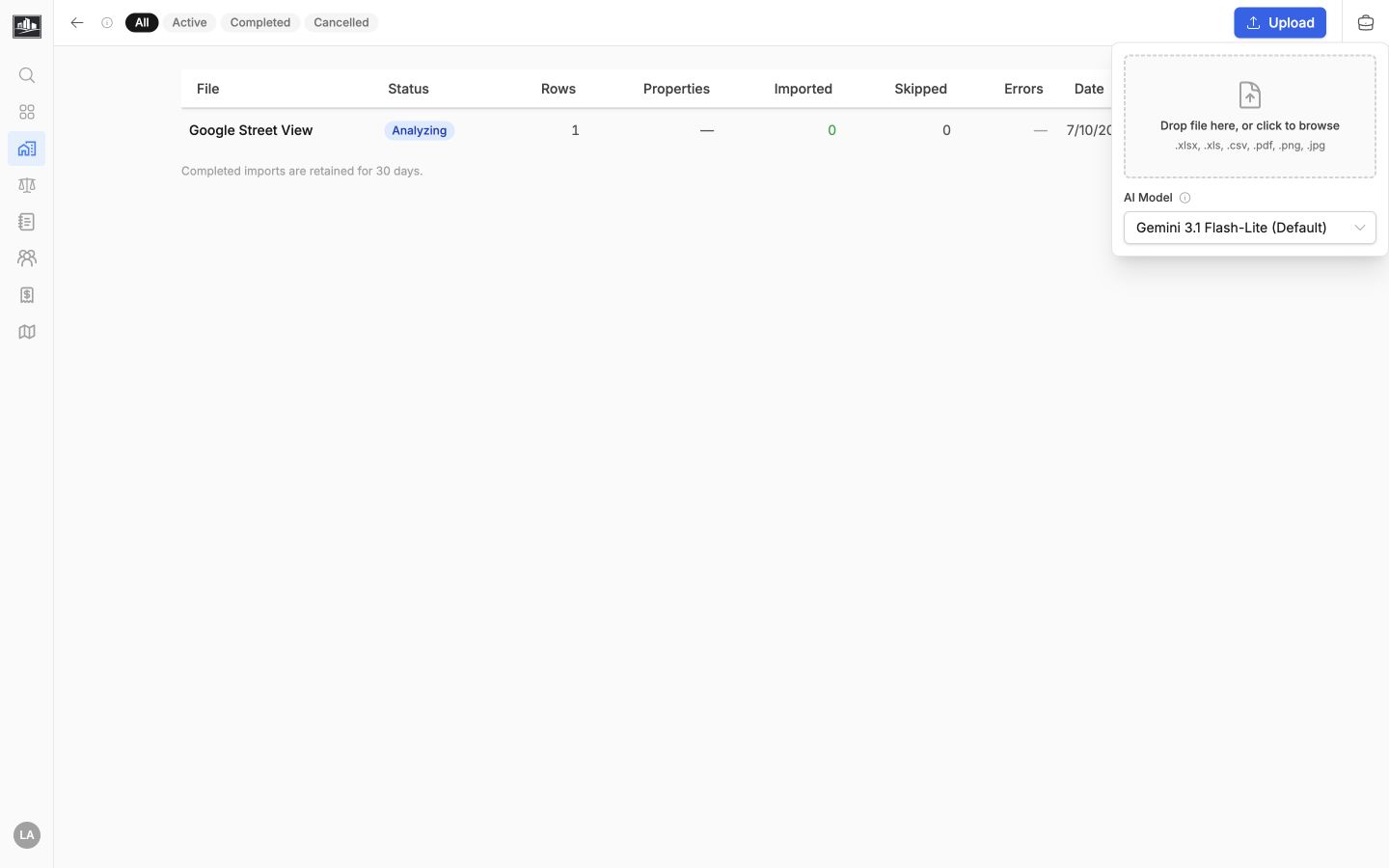
Before uploading:
- Keep one header row and consistent column meanings.
- Include stable identifiers when you have them.
- Separate unrelated record types into different files.
- Remove formulas or hidden rows that should not become source data.
The import menu includes downloadable Excel templates for property records, property sales, and clients. The property-sales template accepts one sale per row. Repeat the property address when importing more than one sale for the same property; the import review groups those rows before records are created.
Map Source Columns
Section titled “Map Source Columns”The mapping step pairs source headings with re-base.io fields. AI-assisted suggestions may be available, but they are suggestions only. Review address, date, currency, area, property classification, and relationship fields before confirming the mapping.
Unmapped source columns are not imported. A mapped value must also satisfy the destination field’s type and validation rules.
Review Matches
Section titled “Review Matches”Processing normalizes source values and checks for likely existing properties or related records. Review each proposed match instead of selecting the first similar address. Unit numbers, parcel identifiers, city, and property name can distinguish records that otherwise look alike.
Choose the appropriate result for each row:
- Link to an existing record when it is the same real-world property.
- Create a new record when no suitable match exists.
- Skip a row when the source should not be committed.
Import In Batches
Section titled “Import In Batches”Large sessions are reviewed and committed in batches. Resolve validation errors before importing a batch, then verify the resulting records before continuing. The import session keeps status and error context so interrupted work can be resumed when the session is still available.
After the import, spot-check addresses, Property Use Classification System (PUCS) classification, dates, currency, and related property links. Use Duplicates & Deletion if later review finds repeated records.