

Account Security
Open your profile from the application header to review personal settings and sign-in security. Organization administrators can require stronger controls than the options a user chooses individually.
Sign-In Methods
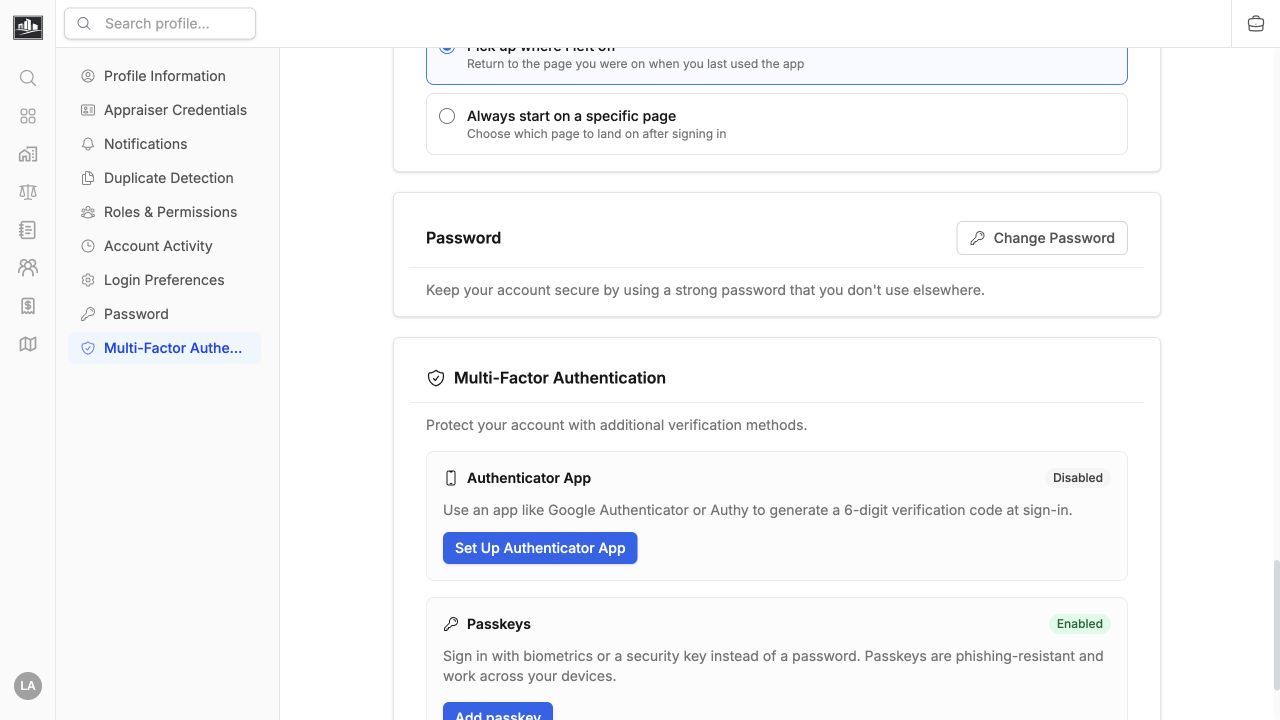
Section titled “Sign-In Methods”- Use a unique password of at least the minimum length shown by the form.
- Add a passkey for phishing-resistant sign-in on supported devices.
- Enroll an authenticator app when TOTP multi-factor authentication is enabled.
- Follow your organization’s SSO flow when single sign-on is required.
Store recovery material outside the device used for everyday sign-in. Never share a one-time code, password, passkey prompt, or recovery value with support.
Review Sessions
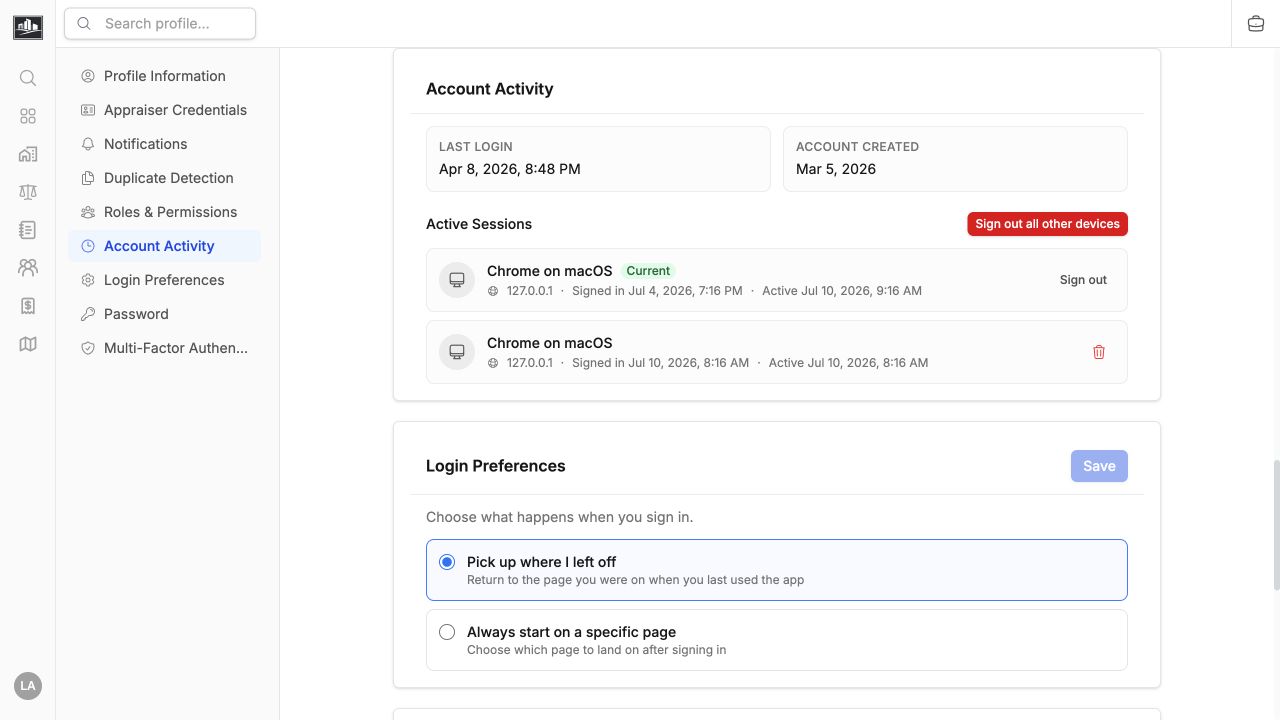
Section titled “Review Sessions”After changing a password or responding to a suspected compromise, review active sessions and revoke devices you no longer recognize. Sign out of shared devices when work is complete.
Profile And Preferences
Section titled “Profile And Preferences”Profile settings can include name, contact details, appraiser credentials, login preferences, and notification preferences. Notification delivery is also limited by organization settings and record permissions, so enabling a personal preference does not guarantee every event will be delivered.
Contact an administrator if SSO redirects to the wrong identity provider, MFA enrollment is blocked, or your account is unexpectedly inactive.