

Property Database
The property database stores subject and market properties with address, location, parcel, valuation, ownership, Property Use Classification System (PUCS) classification, and system fields. It is the main workspace for property records and related comparable data.
Review Properties
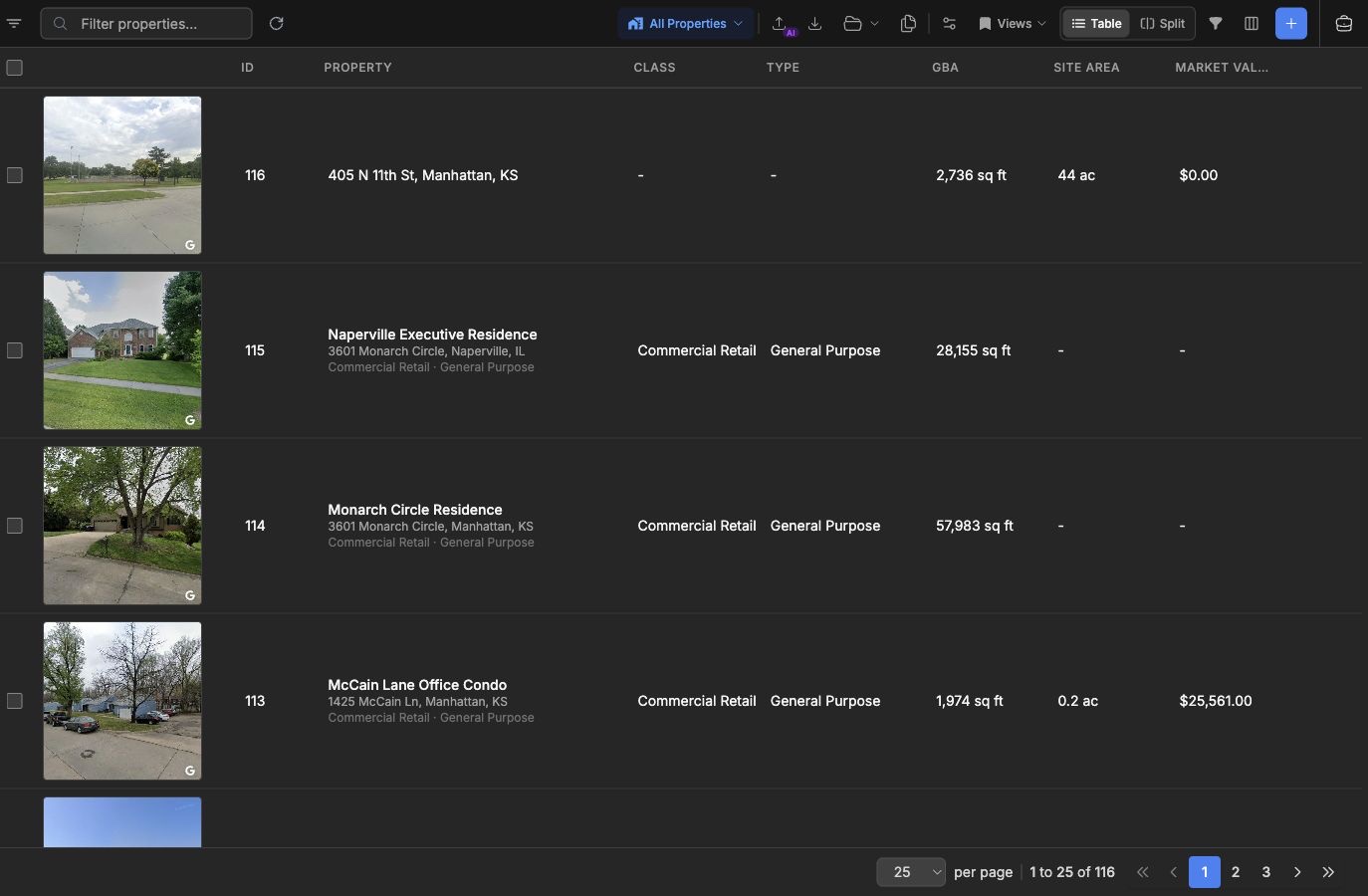
Section titled “Review Properties”Open Properties from the main navigation. Property mode shows property records in table, split, and map views. The table supports search, sorting, column control, advanced filters, saved views, exports, and duplicate review.
Use View on Map from a row or switch to split view when map context matters. Selected rows and map markers stay coordinated so you can move between table and location review without changing pages.
Classify With PUCS
Section titled “Classify With PUCS”PUCS is a three-level taxonomy that organizes property use by class, type, and subtype. The Property Type Filter uses this hierarchy to narrow the table and map. The drawer can show selected items only and hide empty categories when statistics are available.
PUCS selections also affect related data views because sale, lease, income/expense, cost, and rent roll records inherit property classification from their related property.
Add And Enrich Records
Section titled “Add And Enrich Records”Use the add action to create a property manually. Address autocomplete can prefill address and coordinate fields. When a property starts from a geocoded map location, parcel lookup can add parcel number, boundary geometry, acreage, building, value, ownership, tax, zoning, and legal description fields when the parcel provider returns them.
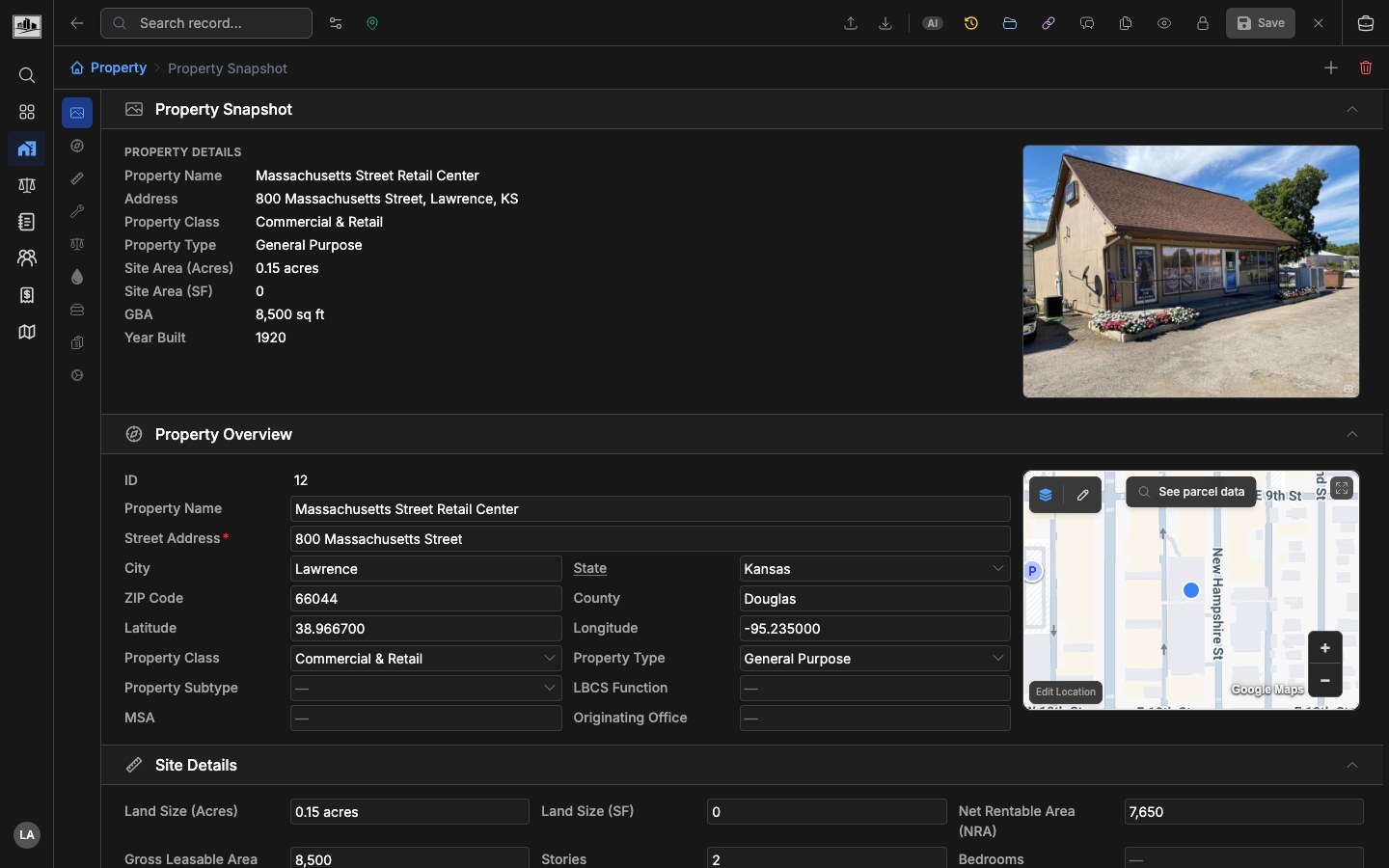
Property detail pages use sectioned forms and can include property overview, snapshot, valuation, owner, notes, related files, and system information.
Work With Related Data
Section titled “Work With Related Data”From property rows and detail pages, create or open related sale, lease, income/expense, and cost comparables plus dated rent roll snapshots. If assignment management is enabled, properties can be added to assignments. If Comp Sets are enabled, selected property or comparable records can be scoped to an analysis set.
Related Features
Section titled “Related Features”- Comparable Analysis for market evidence tied to properties.
- Filtering & Saved Filters for PUCS, advanced, and saved views.
- Interactive Mapping for parcels and map review.
- Rent Rolls for unit-mix and occupancy snapshots.