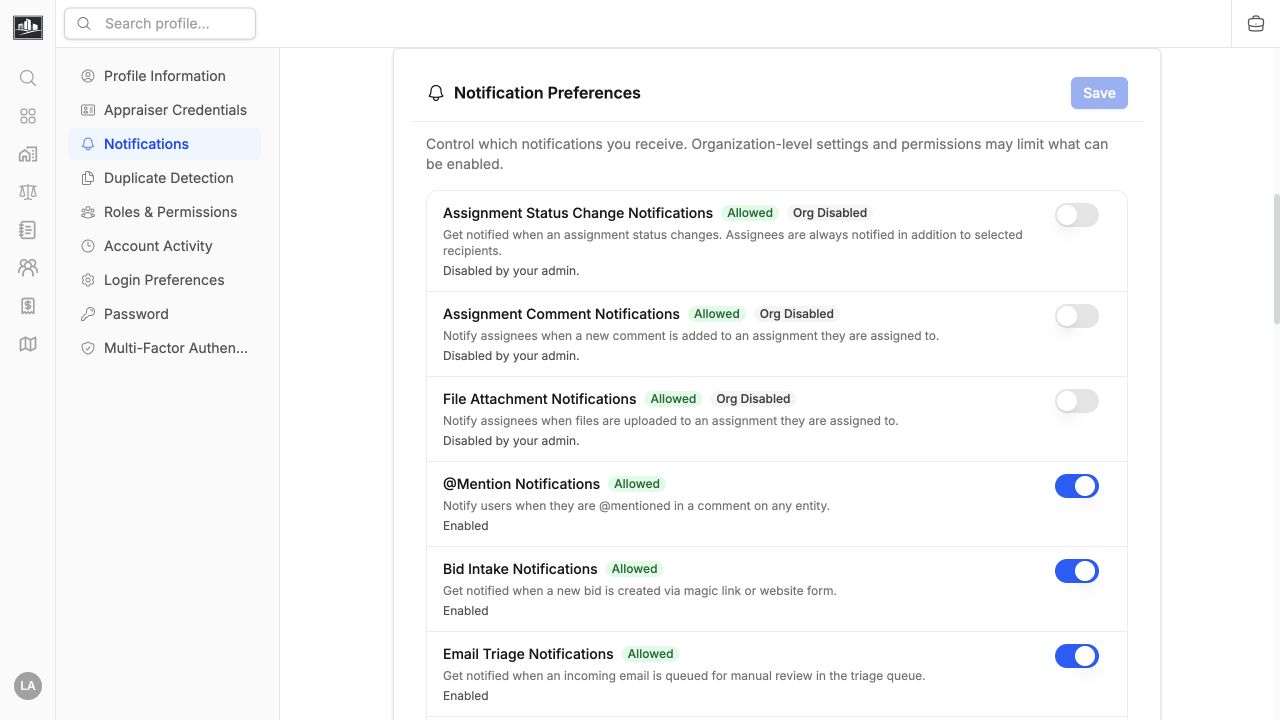

Notifications & My Work
The header menu combines notification activity with My Work, a personal shortlist of records you need to revisit.
Review Notifications
Section titled “Review Notifications”The unread indicator appears when new activity is available. The menu can include record events plus summary items such as bid intake, triage work, and import progress. Open an item to follow its link, mark it read, or clear it when it no longer needs attention.
Durable Inbox events include assignment status changes, assignment comments, file attachments, @mentions, support-ticket replies and status changes, break-glass security alerts, new bid intake, and email triage items. Bid intake and email triage also retain their live work-queue counts.
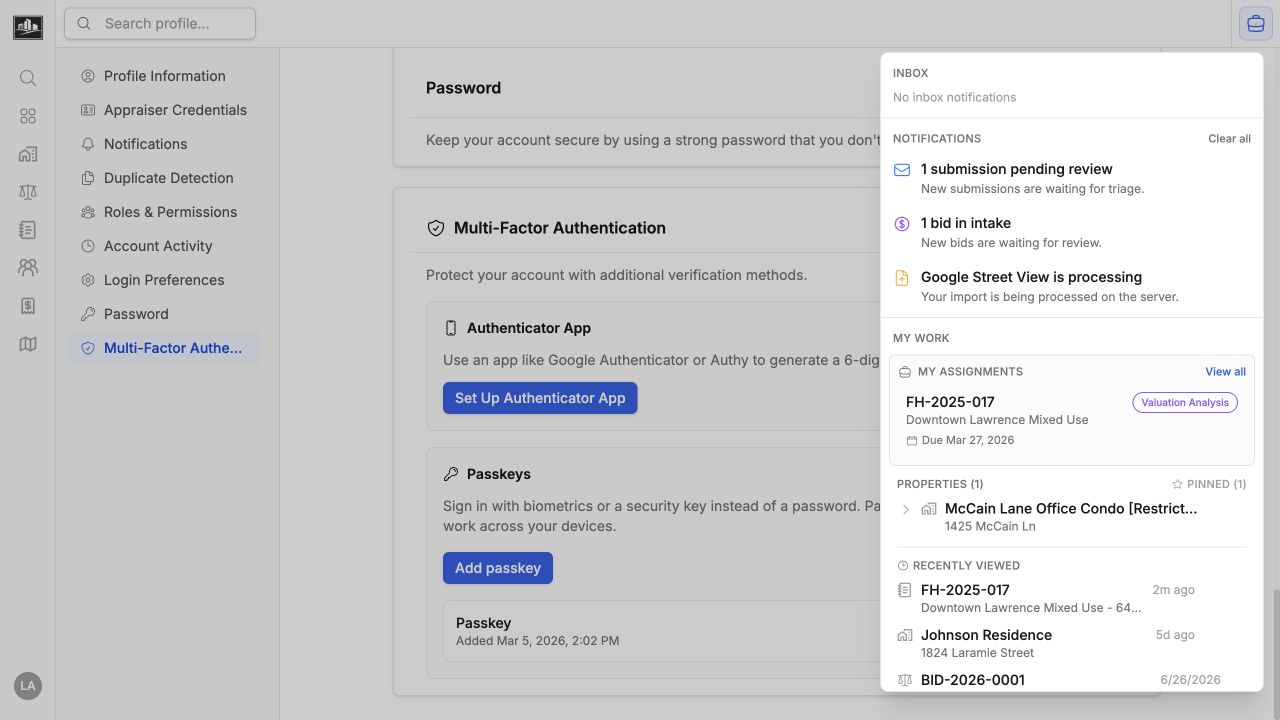
Clearing a notification removes the alert, not the underlying record. Access to the linked page still depends on your role and any record restriction.
Understand Work Queue Indicators
Section titled “Understand Work Queue Indicators”Work queue indicators reflect current work rather than delivered messages. They appear automatically when you have access to the underlying workflow and do not have separate notification settings:
- Bid intake shows bids waiting in intake to users who can review bids.
- Email triage shows incoming submissions waiting for manual review.
- Import progress shows active imports and when an import is ready for review.
Clearing one of these indicators hides the current alert but does not change the underlying queue. It can appear again when the queue count or import status changes.
Use My Work
Section titled “Use My Work”Add the current record to My Work when you want a quick personal shortcut. The header indicates when the open record is already included. Remove it when the work is complete; this does not change assignment ownership or workflow status.
Set Delivery Preferences
Section titled “Set Delivery Preferences”Open Profile > Notification Preferences to choose email and in-app delivery for supported notification categories. Organization policy, feature configuration, and your permissions can override whether a particular channel is available. In-app @mention and break-glass security notifications remain required so intentional mentions and critical access events are not silently missed.