

Client Management
Clients store the organizations and contacts involved in bids, assignments, invoices, and portal access. A client can be an organization, a person, or a contact linked to one or more organizations. Use the Clients workspace as the shared address book for request intake, bid invitations, assignment relationships, and accounting customer links.
Review Clients
Section titled “Review Clients”Open Clients from the main navigation. The list supports search, advanced filters, saved views, column changes, exports, and bulk operations. The default table shows the client type, name, email, phone, location, assignment relationships, and row actions.
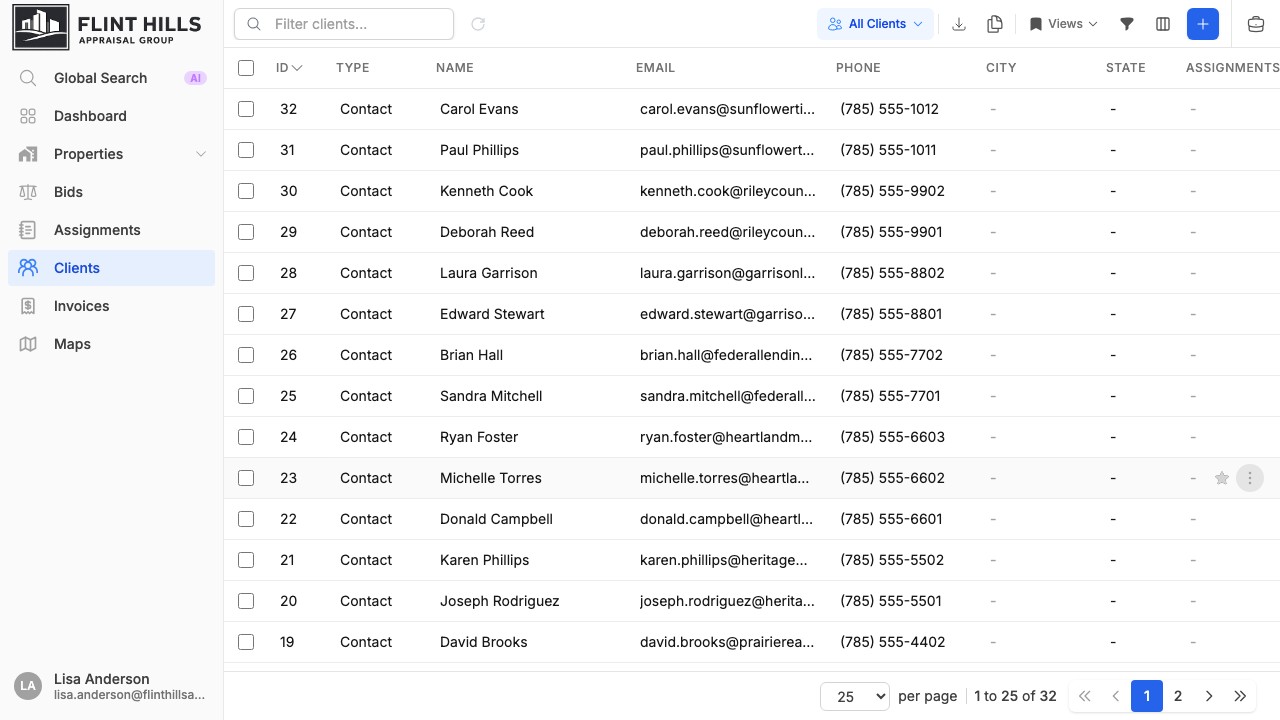
Use the client type control to switch between:
- All Clients - organizations and contacts together.
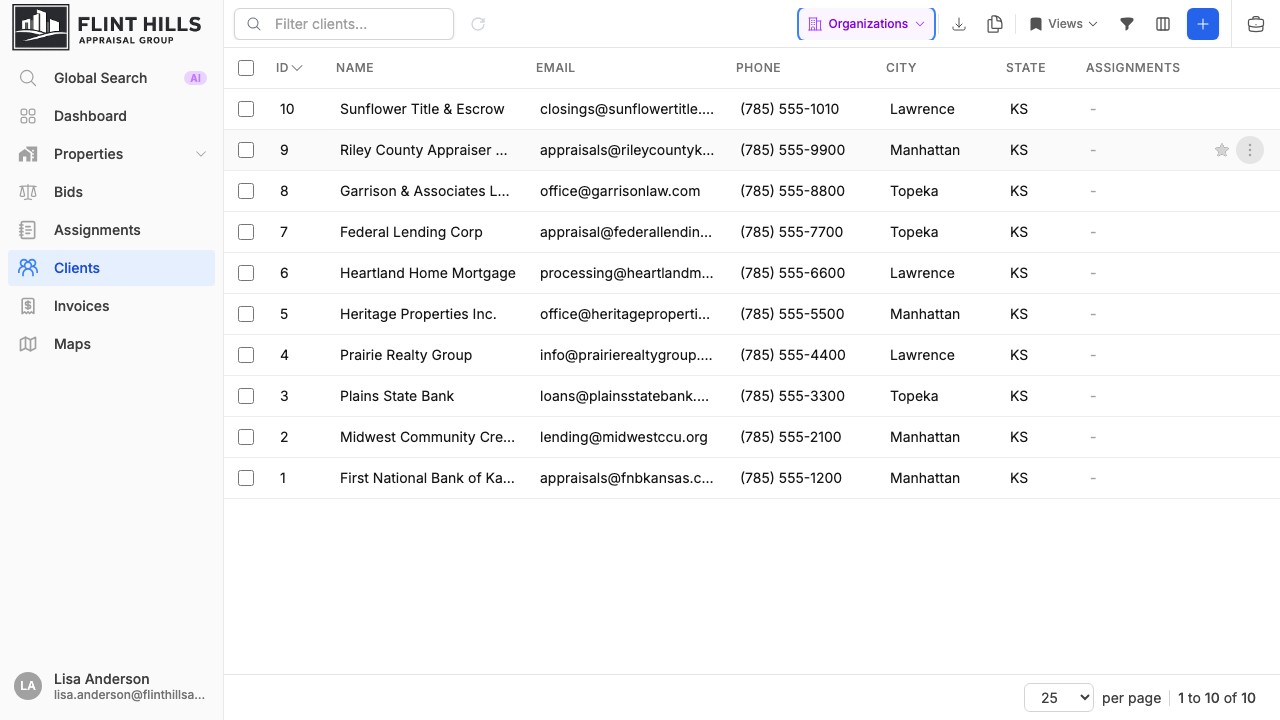
- Organizations - company or institution records.
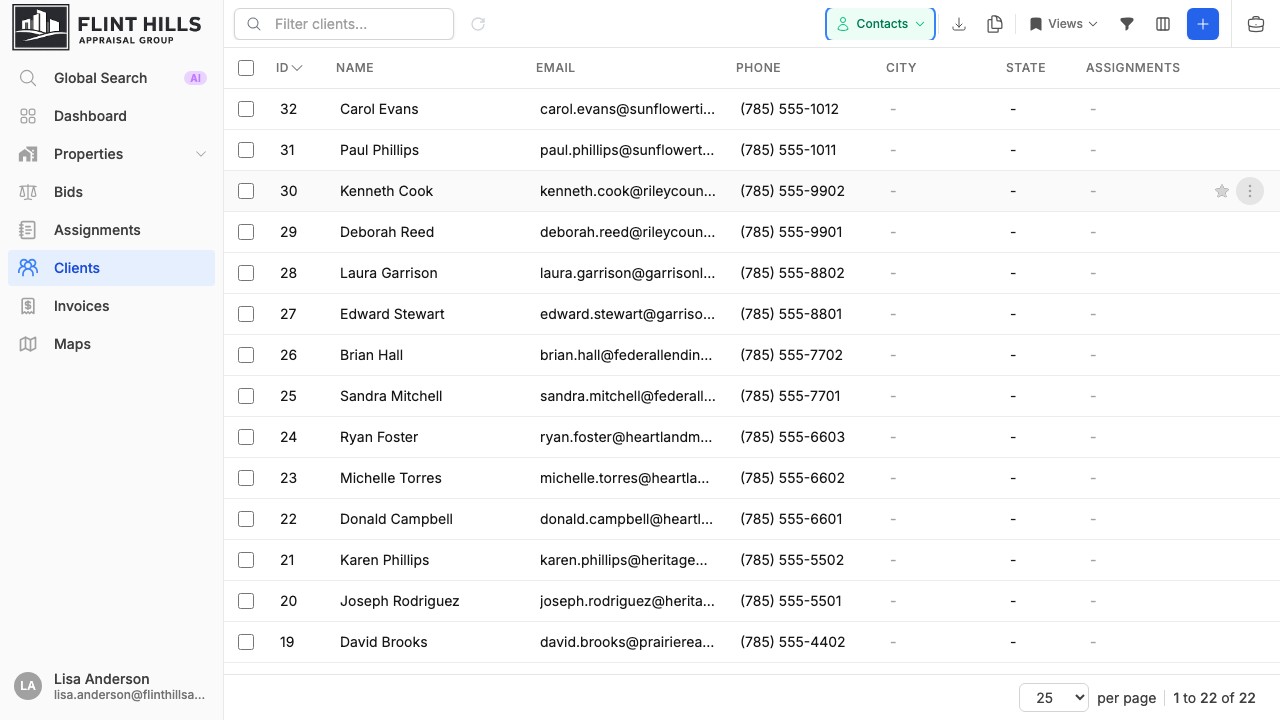
- Contacts - individual people.
When viewing all clients, the Type column is shown by default. When viewing only organizations or contacts, the type filter is locked so other filters can be added without changing the selected group.

Organization and contact views keep the active type locked while search, advanced filters, saved views, and column changes continue to work normally.
Maintain Client Details
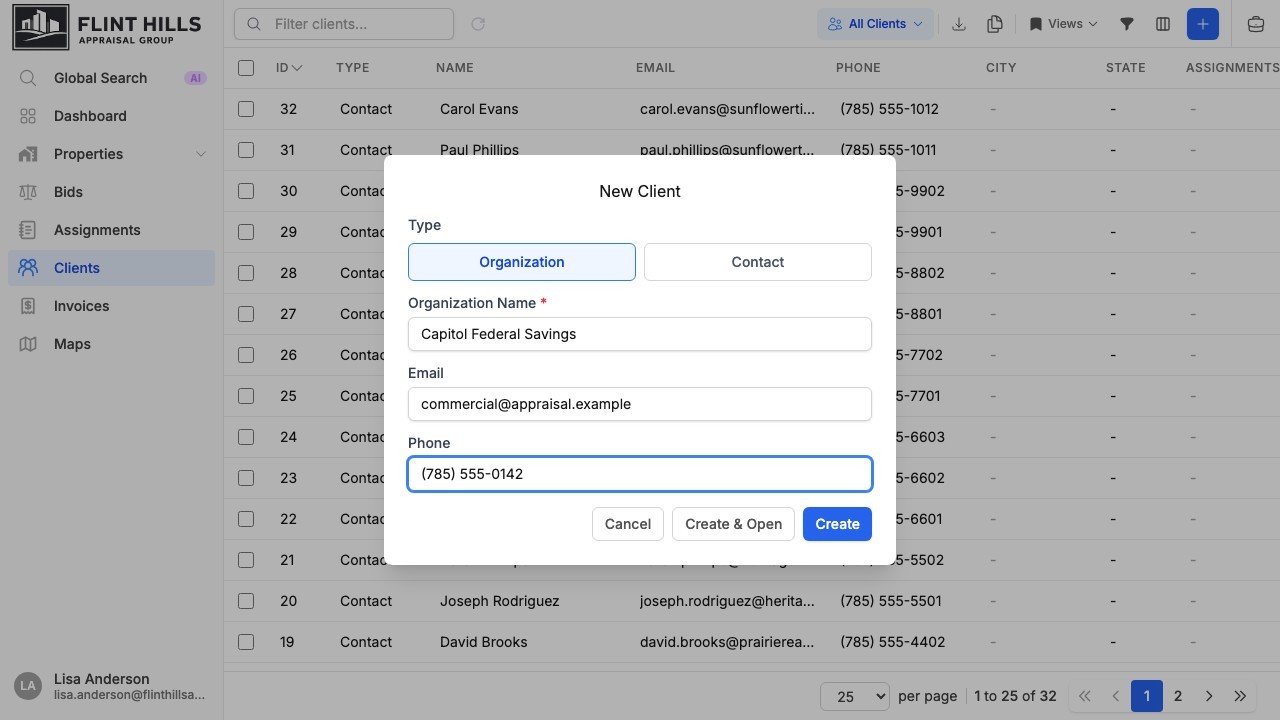
Section titled “Maintain Client Details”Use Add Client to create a record, then choose whether it represents an organization or a contact. Quick create captures the required identity fields plus email and phone so the record can be used immediately in searches, relationships, and bid-request flows.
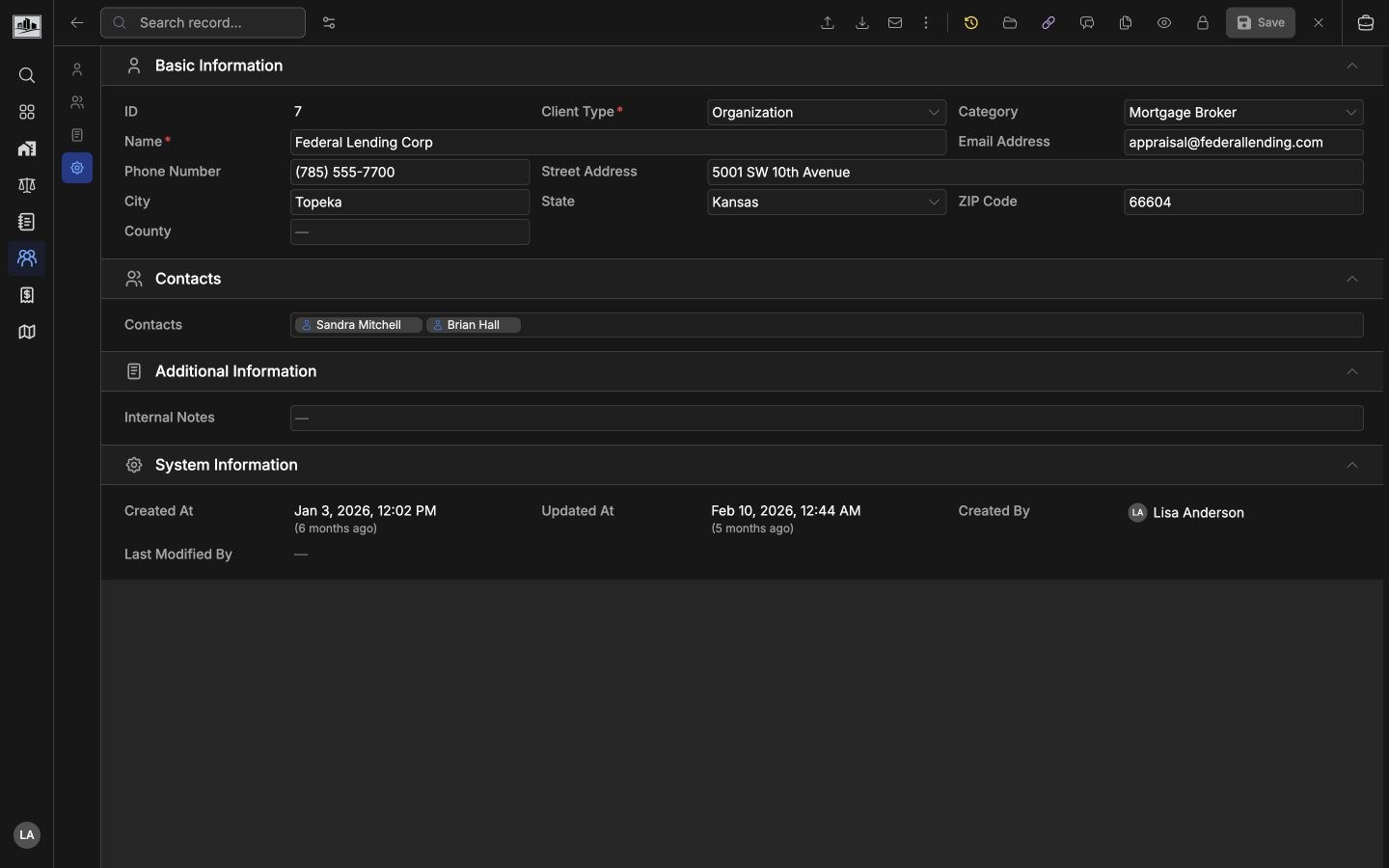
Open a client record to maintain full details. Client detail pages include basic information, address fields, organization/contact relationships, internal notes, system fields, and header actions such as files, history, duplicate review, imports/exports, and save.
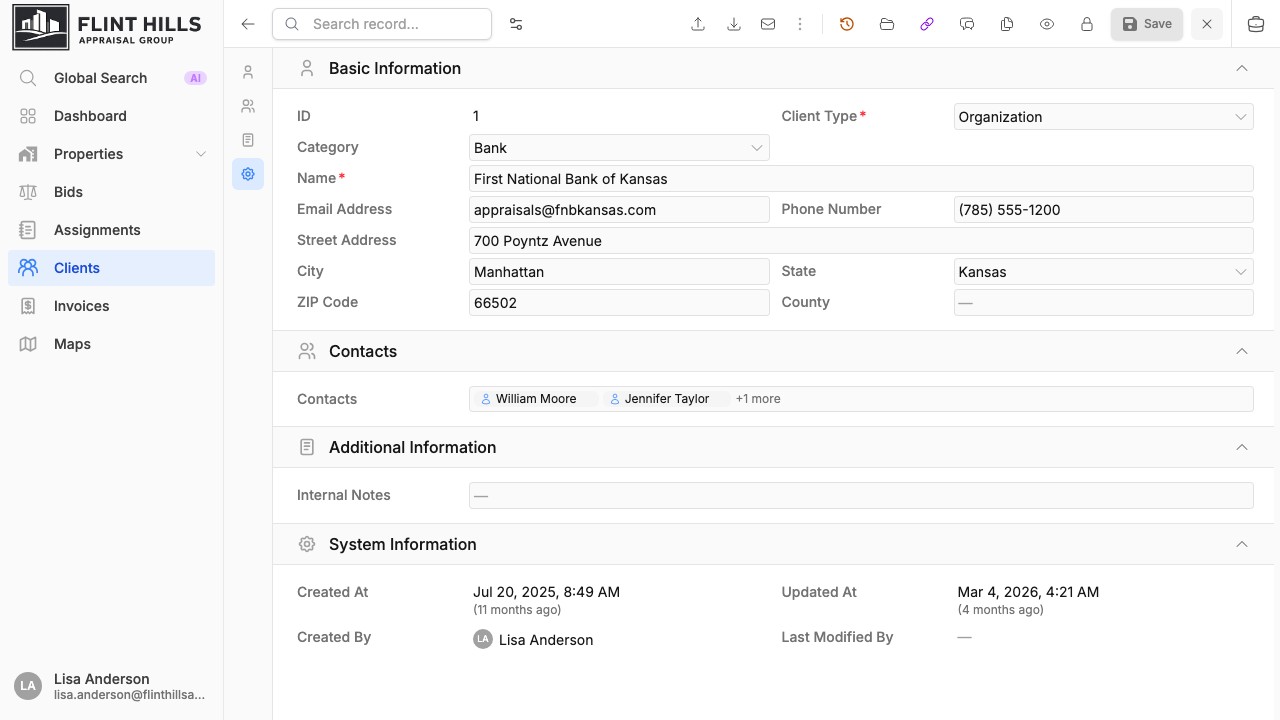
Organization records can list their contacts. Contact records can show the organizations they belong to. This keeps a lender, borrower, broker, reviewer, or other contact tied to the related company record without duplicating the same person.
Connect Organizations And Contacts
Section titled “Connect Organizations And Contacts”Organization records include a Contacts section for linked people. Contact records include an Organizations section for the companies they belong to. These relationships also appear in table relationship columns and can be used when linking clients to bids, assignments, invoices, and files.
Use organization/contact links when:
- A company has multiple loan officers, reviewers, or closing contacts.
- A person works with more than one organization.
- A bid or assignment needs both the client company and a specific access or request contact.
- Relationship context should follow the client into assignment, invoice, and file workflows.
Send Bid Requests
Section titled “Send Bid Requests”From an existing client detail page, use Send Bid Request when the client has an email address. re-base.io preselects the client, then lets you choose the delivery method, deadline, and optional pre-fill data.
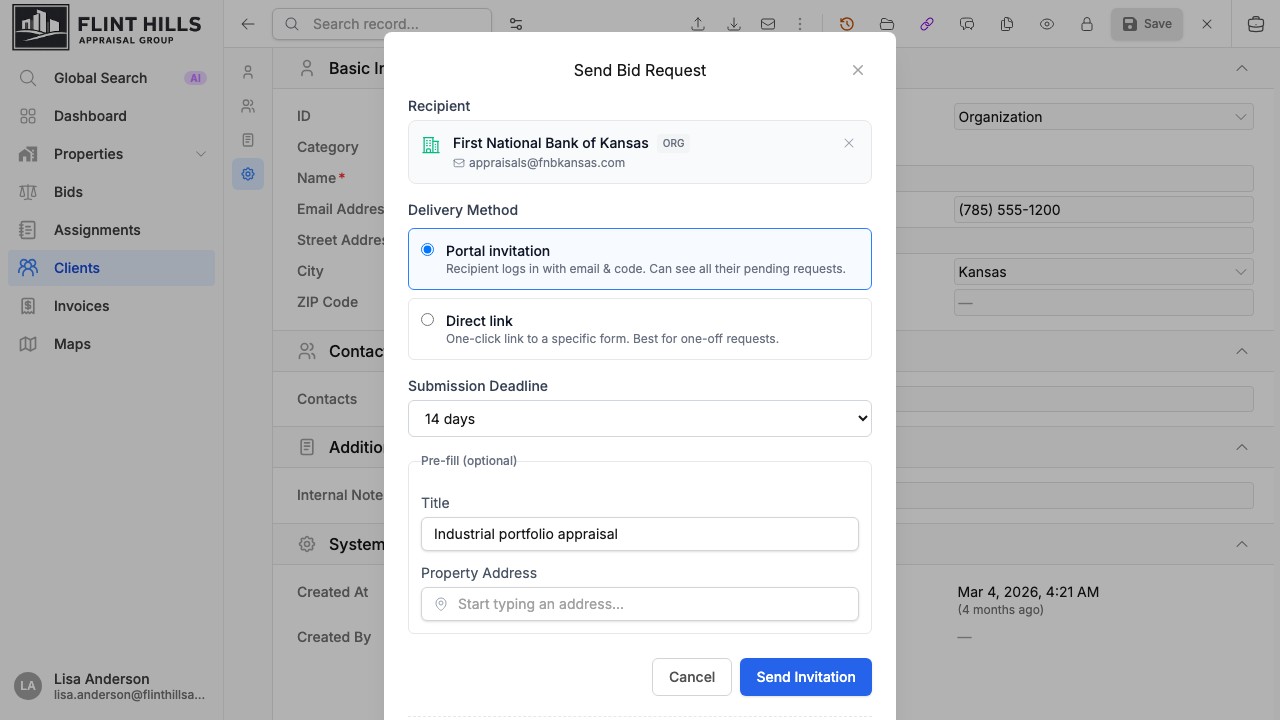
Delivery options depend on the enabled bidding features:
| Option | Use for |
|---|---|
| Portal invitation | Recipients who should log in with email and code and see their pending requests. |
| Direct link | One-off request forms for a specific bid request. |
| Public form link | A reusable request link when the organization has the public bid form enabled. |
Optional pre-fill fields can seed the request title and property address so the recipient starts with the right context.
Review Duplicates
Section titled “Review Duplicates”From the client list, use Find Duplicates to review likely duplicate client records. Duplicate scans look for matches such as organization names, contact names, email addresses, normalized organization names, and phone numbers.
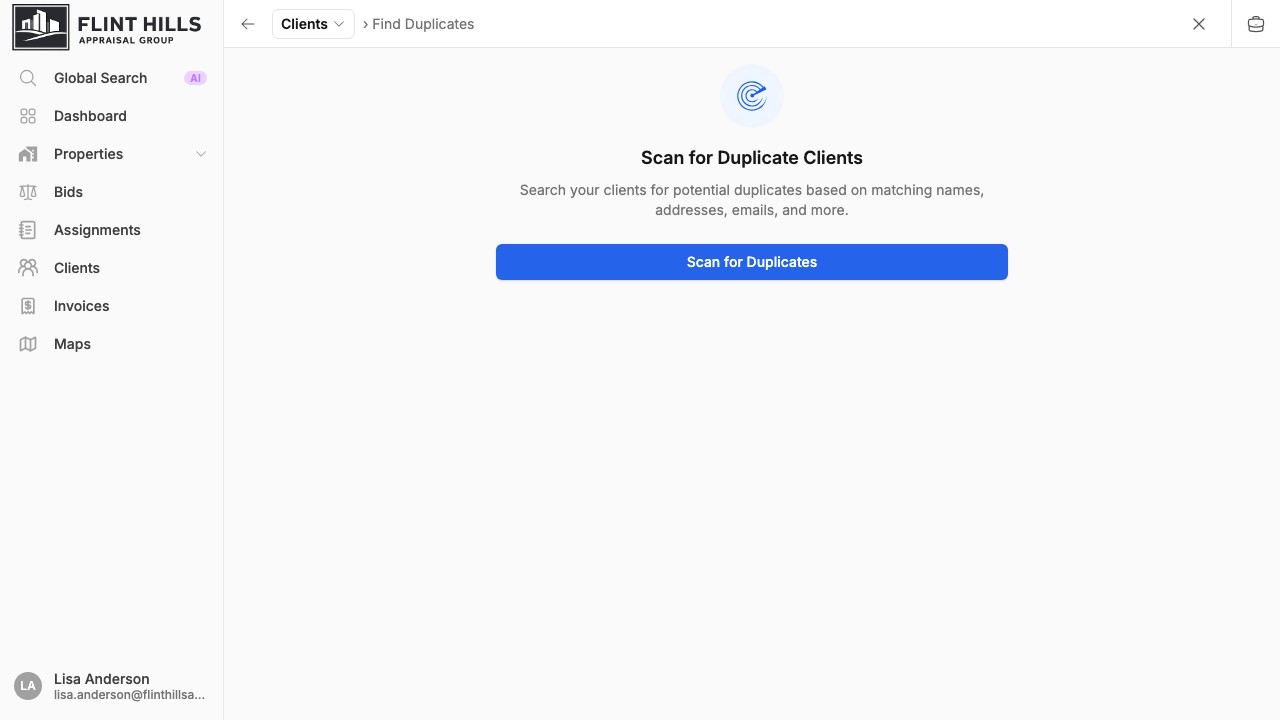
After scanning, review each duplicate group, compare field values, choose the surviving record, and merge only when the records truly represent the same client.
Accounting And Portal Controls
Section titled “Accounting And Portal Controls”If accounting integrations are connected, client pages can show QuickBooks or Xero customer/contact links. If portal bidding is enabled, admins can block or unblock portal access for a client with an email address.
Workflow Tips
Section titled “Workflow Tips”| Need | Use |
|---|---|
| Separate companies from people | Client type control and locked organization/contact filters. |
| Keep request contacts organized | Organization/contact relationship sections. |
| Reuse client context in production | Link clients to bids, assignments, invoices, files, and portal access. |
| Clean up repeated imports | Duplicate scan and merge workflow. |
| Invite a client to submit details | Send Bid Request from the client detail header. |
Related Features
Section titled “Related Features”- Bidding Pipeline for sending bid requests.
- Assignments & Workflow for production work.
- QuickBooks Integration and Xero Integration for accounting links.