

Duplicates & Deletion
Duplicate tools identify likely matches; they do not decide that two records represent the same real-world entity. Review every group before merging.
Review Duplicate Candidates
Section titled “Review Duplicate Candidates”Open Find Duplicates from a supported list or record. Compare stable facts such as parcel number, normalized address, organization name, email, phone, and related assignments. Similar names or nearby addresses alone are not enough.
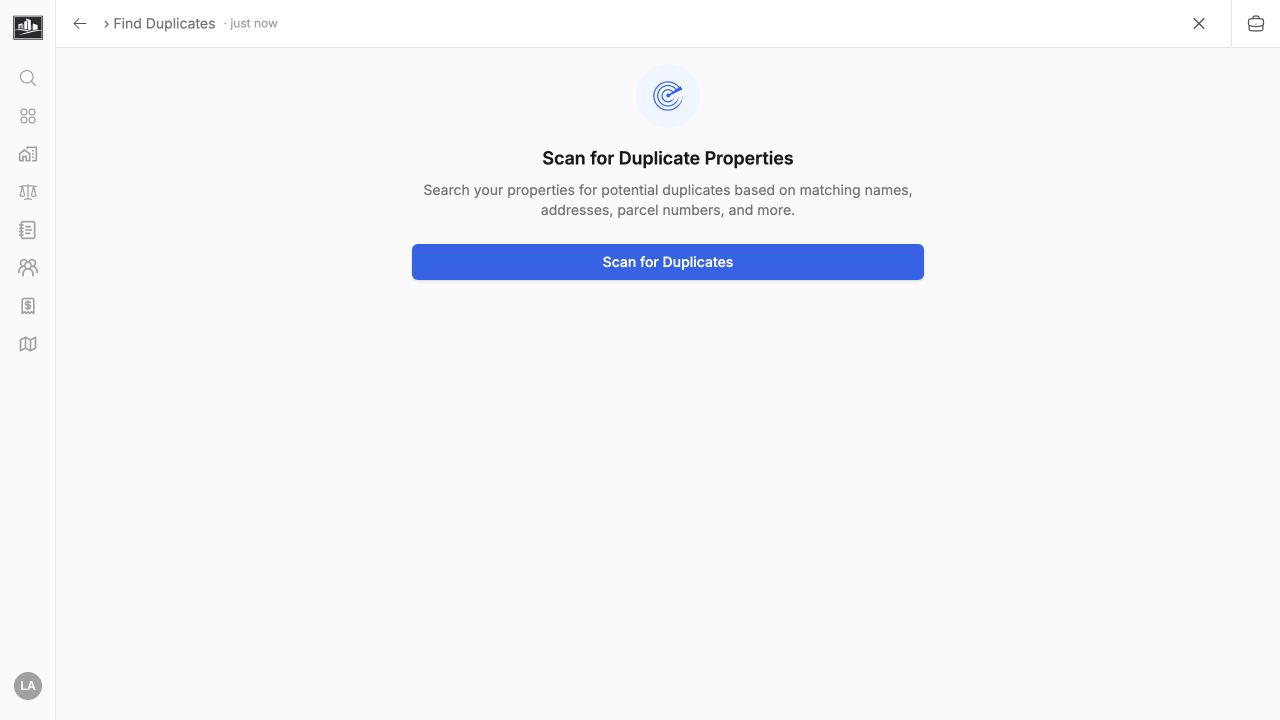
When records are duplicates, choose the survivor that has the best identifiers and relationship history. Confirm which field values and related records will be retained before merging. Dismiss a group when it is a valid pair of separate records.
Delete Or Archive Records
Section titled “Delete Or Archive Records”Deletion availability depends on the entity and your permission. Some records use a recoverable soft-delete state; others cannot be removed while referenced by assignments, invoices, files, or related records. Resolve those relationships through the intended workflow instead of deleting data to bypass a validation error.
Before deleting:
- Confirm the record is not merely hidden by a filter or restriction.
- Export or retain required audit material according to policy.
- Prefer void, deactivate, or archive actions for issued or historical records.
- Ask an administrator when the record participates in billing or compliance history.
Merges and deletions can affect links, exports, and integrations. Verify the surviving record after the operation.